1. Your Profile Landing Page: The 5-Second Conversion Test
When a user discovers your viral Reel on the Explore tab, their very next action is tapping your profile handle. At that moment, your profile acts like an e-commerce or personal landing page. You have roughly five seconds to convince that visitor to hit "Follow" or click your bio link.
While standard Stories expire after 24 hours, Story Highlights live permanently beneath your bio. They are your digital storefront, answering who you are, what value you provide, and why someone should stick around.
2. The 4 Essential Highlight Categories for Every Brand
Avoid cluttering your profile with 20 disorganized albums. Instead, curate four intentional highlights:
| Highlight Title | Strategic Objective | Curated Content Types |
|---|---|---|
| "Start Here" | Immediate brand orientation and core value proposition. | Origin story, what to expect from your account, and top 3 tutorials. |
| "Resources" / "Freebies" | Lead generation and email list growth. | Templates, downloadable guides, presets, and tool breakdowns. |
| "Social Proof" | Establishing authority and trust. | Client testimonials, follower DM screenshots, and press features. |
| "FAQ / Behind The Scenes" | Building genuine personal human connection. | Studio setups, answers to recurring questions, and daily routine vlogs. |
3. Cover Icon Design Best Practices (Colors, Contrast & Dimensions)
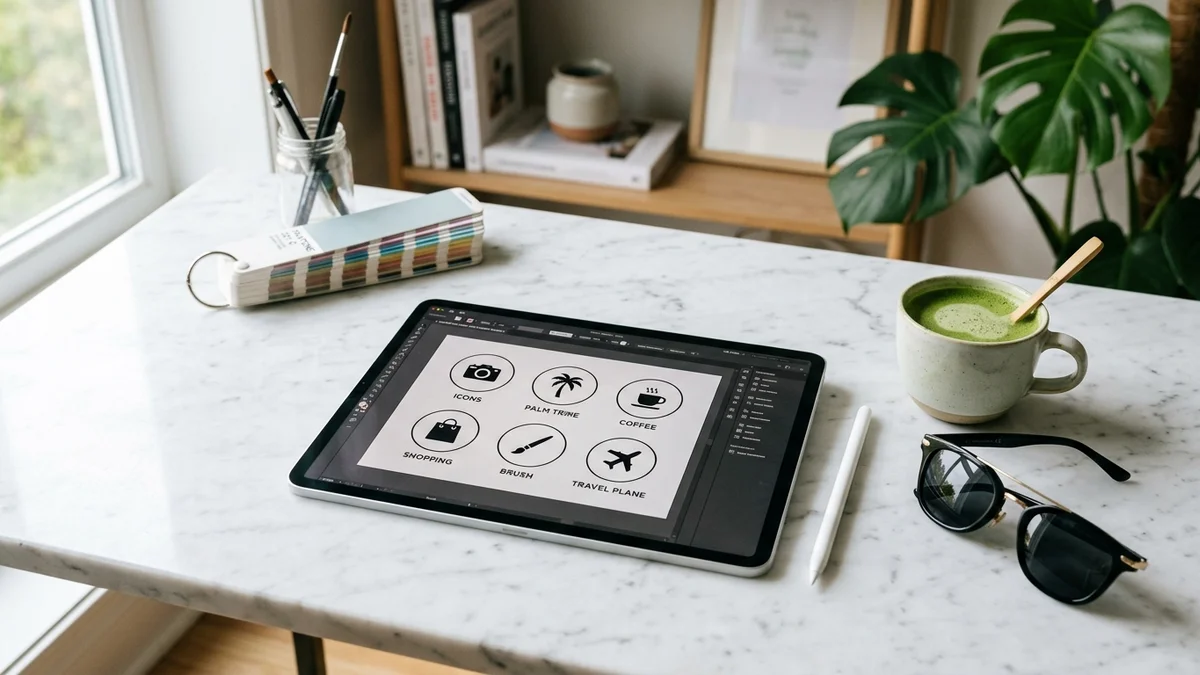
Your cover icons define the visual aesthetic of your entire profile:
- Canvas Dimensions: Design in standard 1080 × 1920 (9:16) resolution, but remember that Instagram displays the cover as a circular crop in the exact center.
- Icon Center Safe Zone: Keep your main graphic or glyph centered within a circle of roughly 500 × 500 pixels.
- Color Palette: Stick to your primary brand colors (2 or 3 colors maximum). Use solid high-contrast backgrounds with minimalist vector glyphs.
- Text Labels: Keep highlight titles under 10 characters so Instagram does not truncate them with ellipses (e.g., use "Tools" instead of "Software Tools We Love").
4. Building a High-Converting "Start Here" Onboarding Album
A "Start Here" highlight should act as an interactive guided tour consisting of 5 to 7 slides:
- Slide 1 (Who I Am): A 10-second front-facing video welcoming new visitors.
- Slide 2 (The Problem I Solve): Outlining the exact core focus of your content.
- Slide 3 (Best Performing Content): Directing viewers to your top 3 pinned Reels.
- Slide 4 (Next Step): A clear CTA pointing to your link-in-bio resource.
5. Controlling Highlight Order & Pruning Dead Content
Instagram automatically sorts Highlights based on the most recently added Story. Whenever you add a new slide to an album, that highlight moves to the first position on the far left.
6. Recommended Tools for Designing Custom Highlight Covers
Creating cohesive icons requires zero design background:
- Canva: Search for "Instagram Story Highlight Cover" for thousands of pre-made minimalist icon sets.
- Figma: Ideal for vector design and precise pixel alignments.
- Adobe Express: Fast mobile app for applying brand font kits and palettes on the go.