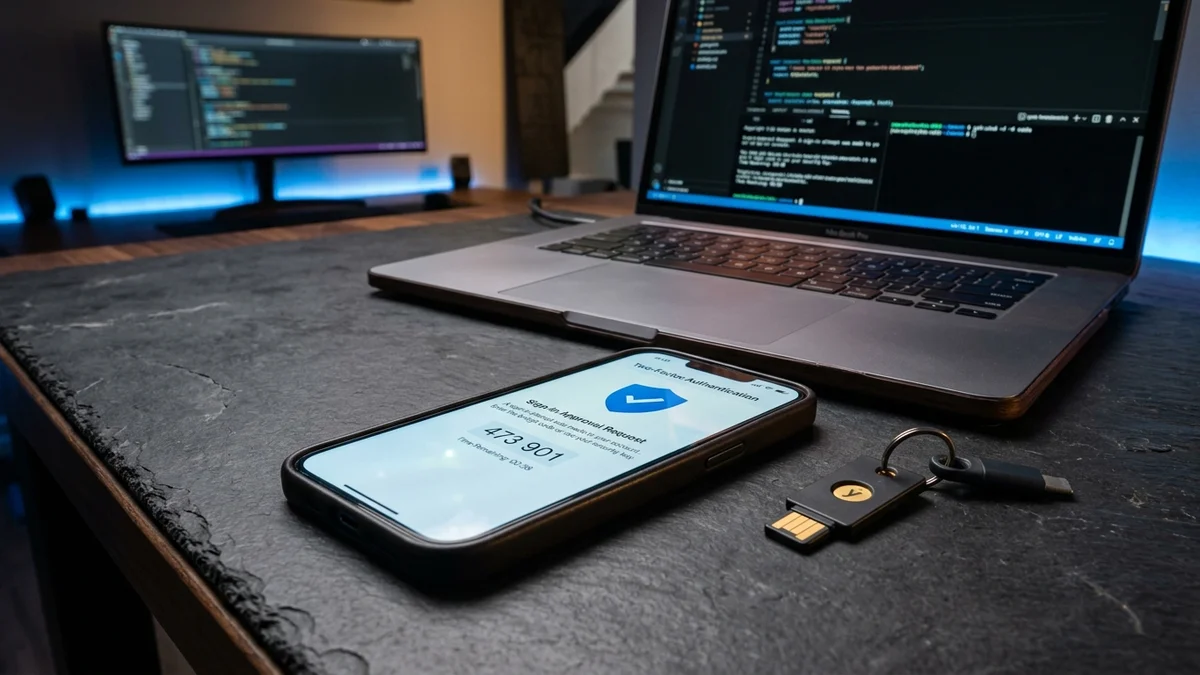
1. Why Creator Accounts Are Prime Targets for Threat Actors
For digital creators and influencers, an Instagram account is not merely a social app—it is a business asset representing years of audience trust, brand sponsorship contracts, and direct livelihood. Cybercriminals actively target accounts with 10k to 500k followers using automated credential stuffing, session hijacking, and targeted social engineering to extort ransoms or promote cryptocurrency scams.
2. Two-Factor Authentication: Ditch SMS for App Authenticator
Many users believe that having SMS text-message 2FA enabled protects them. In reality, SMS verification is vulnerable to SIM-swapping attacks, where an attacker bribes or deceives a mobile carrier employee into porting your phone number to their own device.
3. Recognizing Sophisticated DM & Email Phishing Attacks
The vast majority of account takeovers begin with deceptive direct messages mimicking Meta official support:
- "Copyright Infringement Notice": Phishing DMs warning that your account will be deleted in 24 hours unless you click a link and "verify ownership". Meta will never send copyright violation notices through DMs!
- Fake Brand Sponsorships: Collaborative partnership emails containing PDF or ZIP files with executable malware that steals browser cookies and session tokens.
- Verifying Official Meta Emails: Inside the Instagram app, go to Settings > Security > Emails from Instagram to verify if an email was genuinely dispatched by Meta.
4. Revoking Malicious Third-Party OAuth Apps
Over the years, you may have linked your account to third-party analytics tools, follower-tracker utilities, or contest apps. Many of these apps retain long-term API access tokens:
- Go to Settings and Privacy > Website Permissions > Apps and Websites.
- Review the list of Active third-party applications.
- Immediately remove and revoke access for any utility you do not actively recognize or use daily.
5. Essential In-App Privacy Controls for Everyday Protection
Protect your daily personal routine from bad actors and scrapers:
- Activity Status: Toggle off "Show Activity Status" so strangers cannot monitor when you are active on the app.
- Tagging & Mentions: Set tagging permissions to "Only people you follow" to prevent spam bots from tagging you in phishing promotions.
- Hidden Words: Turn on automated comment filtering to hide offensive words, spam emojis, and suspicious URLs from your post comments automatically.
6. What to Do Immediately If Your Account Is Hacked
If an attacker gains access and alters your linked email and phone number:
- Check your email inbox for a notification from security@mail.instagram.com stating your email was changed. Tap "Secure my account here" to revert the change.
- Visit instagram.com/hacked on a mobile browser to initiate the official identity verification flow.
- Submit a Video Selfie Verification: Instagram matches a biometric video of your face against previously published photos and Reels on your grid to restore access.
7. The 7-Point Hardening Checklist
- [ ] TOTP Authenticator app enabled (SMS 2FA disabled).
- [ ] Unique, randomly generated 20+ character password (never reused).
- [ ] Emergency backup codes downloaded and stored offline.
- [ ] Primary email account protected with its own separate hardware 2FA.
- [ ] Unused third-party apps revoked in permissions settings.
- [ ] Activity status disabled.
- [ ] "Emails from Instagram" verified before responding to copyright notices.