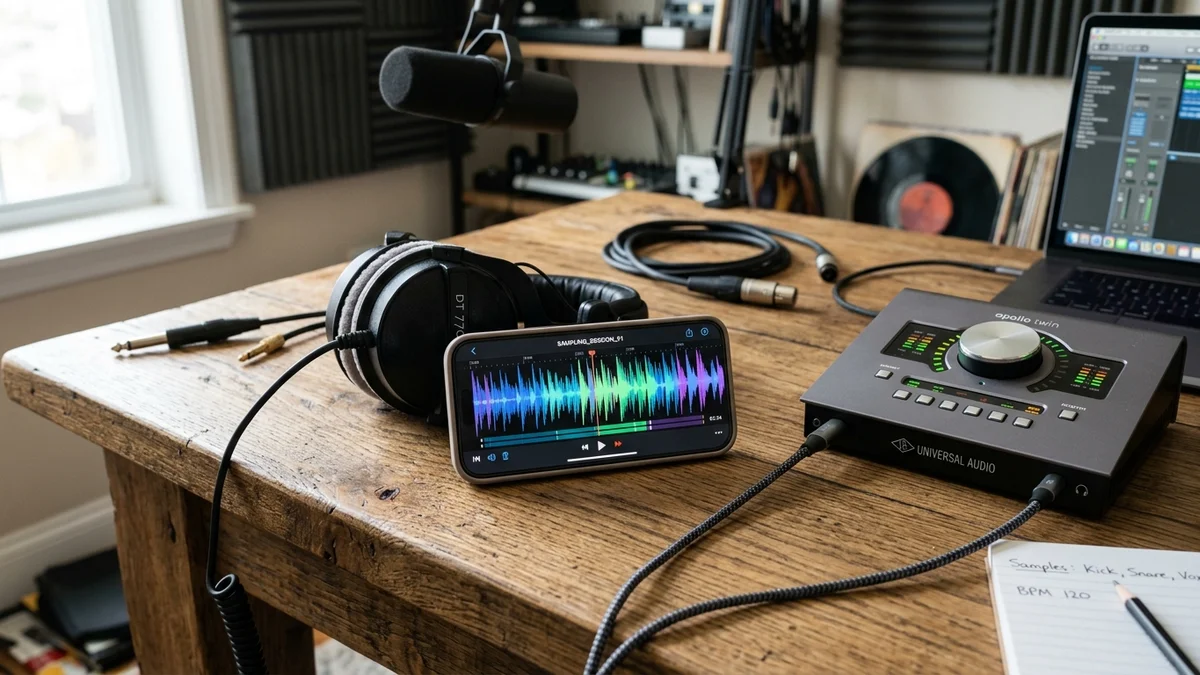
1. The Role of Audio Sampling in Modern Content Creation
Short-form video culture relies heavily on sound trends, viral soundbites, voiceover memes, and Foley effects. Video editors frequently need to extract spoken quotes for podcast commentary, study audio mixing curves, or archive their own published voiceovers.
Extracting audio directly from a video file allows creators to isolate audio streams without needing cumbersome screen recordings that capture unwanted phone notification dings and compression artifacts.
2. Extracting MP3 Audio in 3 Simple Steps
Using IgVideoDown's browser-based audio extractor, you can isolate audio tracks in seconds:
- Copy Link: In the Instagram app, tap the three-dot menu on any public Reel or video and choose "Copy Link".
- Paste & Extract: Visit our Instagram MP3 Downloader and paste the link into the URL field.
- Save MP3: Click Download. Our utility strips away the video stream and packages the pristine audio track directly into an MP3 file on your device.
3. Bitrate & Audio Quality Standards (128 kbps vs 320 kbps)
Instagram stores audio streams using the Advanced Audio Coding (AAC) format, typically encoded between 128 kbps and 192 kbps stereo at a 44.1 kHz or 48 kHz sample rate.
4. Post-Extraction Audio Restoration (Noise Reduction & EQ)
If you extracted a live speaking clip recorded in a noisy room, clean it up before incorporating it into your timeline:
- High-Pass Filter (Low Cut): Roll off frequencies below 80 Hz to eliminate room rumble, microphone handling noise, and wind pops.
- AI Voice Isolation: Use free tools like Adobe Podcast AI Speech Enhancer or DaVinci Voice Isolation to remove background noise while preserving crisp vocal clarity.
- Parametric EQ: Add a subtle 2 to 3 dB boost around 3.5 kHz to enhance speech intelligibility and presence.
5. Turning Extracted Audio into Clean Subtitles & Scripts
If you extracted an interview or educational clip and want to convert it into a written article or captions:
- Feed the extracted MP3 into an automated transcription tool like OpenAI's Whisper or Riverside.fm.
- Review and edit the generated SRT subtitle file for precise timing.
- Import the SRT file directly into your video editor to generate word-by-word animated subtitles.
6. Ethical Creator Etiquette: Crediting Original Sound Designers
Whenever you remix, parody, or reference an audio clip created by another creator, standard community etiquette requires tagging their handle in your caption: "Original sound inspired by @creator". Building goodwill with fellow artists strengthens the broader creative ecosystem.