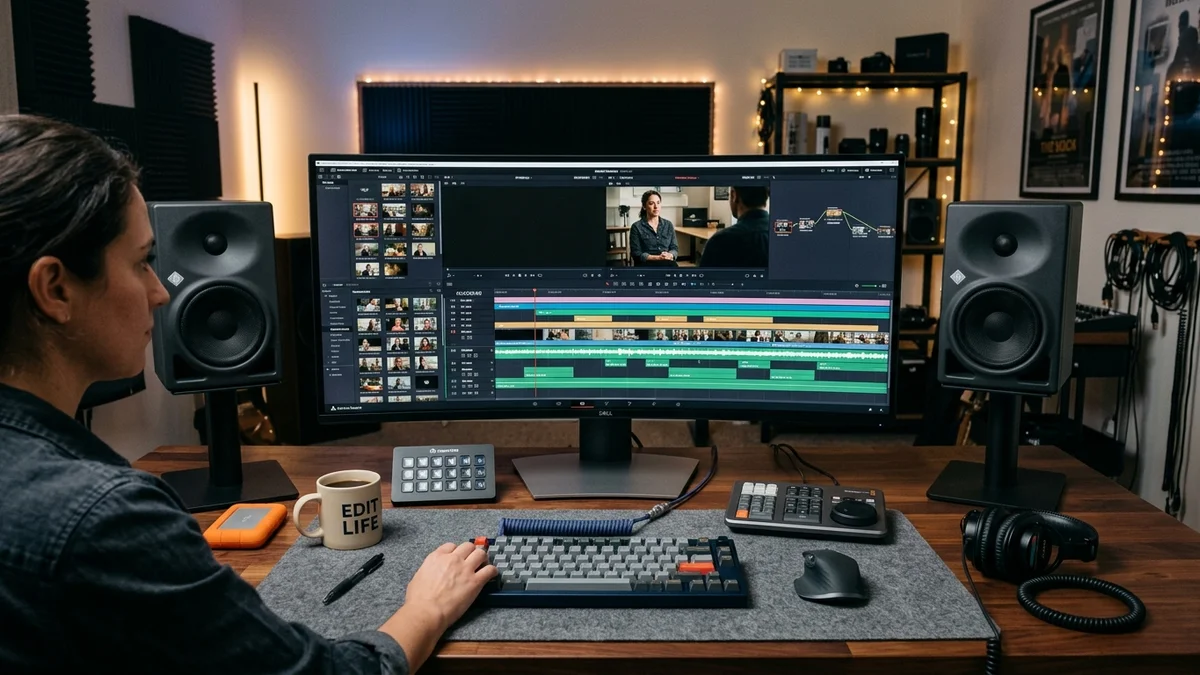
1. What Makes a Great Mobile & Desktop Reels Editor?
Content creation today requires software that moves as fast as social trends. Whether you are cutting talking-head shorts on a train or grading multi-camera studio footage at your desk, the ideal editor must provide:
- Watermark-Free Exports: As noted in our algorithm guide, watermarks degrade Instagram distribution by up to 90%.
- Precise 9:16 Aspect Ratio Canvases: Native framing with visual safe zone overlays.
- Multi-Track Audio Mixing: Layering dialogue, Foley sound effects, and music with independent volume curves.
- Fast Keyframing & Auto-Captions: Accurate speech-to-text generation for silent viewers.
2. The Master Feature Comparison Matrix
| Application | Platform | Free Watermark? | Auto-Captions | Best Use Case |
|---|---|---|---|---|
| CapCut | iOS, Android, Mac, Win | Yes (Delete end slide) | Yes (Industry Best) | Viral short-form trends & audio syncing |
| VN Video Editor | iOS, Android, Mac, Win | Yes (100% clean) | Manual / Subtitles | Professional timeline & curve speed ramps |
| DaVinci Resolve | Mac, Windows, Linux | Yes (No watermark) | Studio version only | Cinematic grading & professional desktop post |
| InShot | iOS, Android | Yes (Ad-supported removal) | Basic | Quick collages, canvas sizing & filters |
| Premiere Rush | iOS, Android, Mac, Win | Yes (Limited cloud) | Manual | Adobe ecosystem creators |
3. CapCut (Mobile / Desktop) — The Powerhouse
CapCut remains the undisputed champion of short-form video creation. Developed by ByteDance, its desktop and mobile editions offer the most robust automated speech-to-text engine available for free.
- Key Advantage: Auto-captions with pre-styled animated presets (Alex Hormozi style, neon highlights, word-by-word tracking).
- Watch Out: By default, CapCut appends a 2-second branded outro slide to the end of your project. Simply tap that clip and hit Delete before hitting export!
4. VN Video Editor — The Cleanest Watermark-Free App
VN Editor is beloved by indie filmmakers and vloggers who want desktop-grade timeline control on a smartphone:
- No intrusive ads and zero export watermarks out of the box.
- Custom speed curve ramping: Create buttery smooth fast-to-slow speed ramps without choppy frame drops.
- Supports LUT import (CUBE format) for color grading LOG footage on mobile.
5. DaVinci Resolve — Hollywood Color Grading (Free Desktop)
Blackmagic Design provides a fully functional, professional-grade non-linear editor for $0. For creators filming with mirrorless cameras (Sony FX3, Canon R6, Panasonic GH6), DaVinci Resolve delivers unmatched node-based color correction, Fairlight audio mastering, and pristine 1080p H.264 rendering.
6. InShot — Quick Mobile Social Edits
If you only need to trim a 15-second clip, add background blur to vertical framing, or apply basic text titles, InShot is lightweight, responsive, and easy to learn. You can remove the watermark on the free tier simply by watching a 15-second ad.
7. Adobe Premiere Rush — Seamless Creative Cloud Bridge
Premiere Rush is tailored for Adobe CC subscribers who shoot on mobile and want to start a rough cut on an iPhone or iPad, then sync seamlessly into full Adobe Premiere Pro on desktop for fine-tuning.
8. Final Recommendation by Creator Skill Level
- Beginner Creators: Start with CapCut (Mobile) for instant auto-captions and intuitive clip splicing.
- Intermediate Content Creators: Advance to VN Video Editor for clean speed ramping and customizable timelines.
- Advanced / Studio Creators: Switch to DaVinci Resolve (Desktop) for cinema-grade color fidelity and audio dynamics.